



Working from home sounds simple until the power setup starts acting like a coworker who keeps dropping the ball.
A modern home office can include two monitors, a laptop dock, printer, speakers, chargers, a standing desk, task lighting, and maybe a space heater in winter because that one room is always colder than the rest of the house. On paper, none of this feels extreme. In real life, it adds up fast.
That’s why electrical problems show up in home offices in ways people often shrug off at first: a breaker trips when the microwave runs, the lights flicker during a video call, or the computer restarts after one too many things are plugged into the same circuit. Annoying, yes. But also expensive when it breaks concentration, interrupts meetings, or risks damage to the equipment you rely on every day.
The good news is that you usually don’t need a full renovation to fix this. A few targeted upgrades can make a big difference. If you want a home office that feels stable, comfortable, and safe, these are the three upgrades worth looking at first: dedicated circuits, better lighting, and a check on whether your panel and wiring can actually support how you work now.
Why many home offices run into electrical problems
A lot of homes were built before “home office” meant anything more than a desk and maybe a lamp. They weren’t designed around all-day device charging, video conferencing, high-speed internet equipment, or workstations running for eight to ten hours at a time.
The issue isn’t always one giant power-hungry machine. More often, it’s the pile-up of smaller loads sharing circuits with the rest of the house. Your office may be on the same circuit as a bathroom, bedroom, or kitchen receptacle. So when someone starts the kettle or toaster, your workspace feels it.
Here are a few signs your current setup may be under strain:
- Breakers trip when multiple devices are running
- Lights dim or flicker when appliances turn on
- Power bars and extension cords are doing too much of the heavy lifting
- Outlets feel warm
- You hear buzzing from outlets or switches
- Your office equipment loses power during normal household activity
Some of these are just frustrating. Some point to real safety issues. Either way, they’re worth taking seriously.
1. Install dedicated circuits for your core office equipment
If I had to pick the upgrade that most directly improves workday reliability, this would be it.
A dedicated circuit means your most important office equipment gets its own electrical path back to the panel instead of sharing power with random loads elsewhere in the house. That separation matters more than people think.
Why dedicated circuits help so much
Let’s say you’re on a client call, transferring a large file, and charging your laptop at the same time. In the next room, someone runs the vacuum. In the kitchen, the microwave kicks on. If your office shares a circuit with either of those spaces, you’ve created the perfect setup for nuisance tripping or voltage dips.
A dedicated circuit reduces that risk. It gives your workspace a steadier supply of power and keeps high-draw household appliances from interfering with the gear you count on.
That can mean:
- Fewer breaker trips during work hours
- Less chance of sudden shutdowns
- More stable performance for desktops, monitors, routers, and docking stations
- Better protection for sensitive electronics
No electrical upgrade will magically make your internet provider better, sadly. But it can stop your side of the setup from being the weak link.
What belongs on a dedicated circuit
This depends on your setup, but common candidates include:
- Desktop computer or multi-monitor workstation
- Modem and router
- Printer or all-in-one office machine
- Standing desk
- Battery backup system
- Charging station for phones, tablets, and headsets
If your office includes heavier loads like a portable air conditioner, electric heater, or specialty equipment, that needs even closer attention. Those devices can push a shared circuit over the edge quickly.
What an electrician will look at
A licensed electrician will usually start by checking how your current circuits are laid out, what your panel can support, and how much power your office equipment actually uses. This matters because “just add a circuit” is not always simple in an older home.
Sometimes there’s room in the existing panel. Sometimes there isn’t. If the panel is already full or undersized, a panel upgrade may be needed before any new dedicated circuits can be added safely.
That’s not the answer people always want to hear, but it’s better than forcing new demand onto a system that’s already stretched thin.
2. Upgrade your lighting for focus, comfort, and less eye strain
People talk a lot about desks, chairs, and monitor height. Fair enough. Those matter. But lighting gets ignored more than it should.
Bad lighting drains energy in a sneaky way. It makes you squint, lean forward, and fight glare all day. By late afternoon, you feel tired and assume it’s “just screen time.” Sometimes it is. Sometimes the room is simply working against you.
What good office lighting actually does
A better lighting setup can help you:
- Reduce eye strain
- Stay alert longer
- Improve screen visibility
- Look better on video calls
- Make the room feel less gloomy, especially in winter
In a home office, I think the goal is not “brightest possible.” It’s balanced light. You want enough general light to keep the room comfortable, plus targeted light where you read, write, or work on detailed tasks.
Start with LED lighting
LED bulbs are usually the easiest upgrade with the biggest payoff. They use less electricity, last much longer than older bulbs, and come in different brightness levels and colour temperatures.
For workspaces, colour temperature matters a lot:
- Warmer light feels softer and more relaxed
- Cooler light tends to feel sharper and more energizing
Many people work best with a neutral to cool white light during the day, especially for detailed computer work, then shift warmer later in the evening. It’s a small change, but small changes are often what make a room easier to live in for eight hours a day.
Add task lighting, not just overhead lighting
Ceiling fixtures alone rarely do the whole job. They often create shadows, uneven brightness, or glare on screens.
A good task lamp can solve a lot of that. Place it so it lights your desk surface without reflecting directly into your monitor or camera. If you handle paperwork, sketches, or product samples, this makes a huge difference.
For video meetings, lighting at face level or slightly above eye level usually looks better than a bright fixture behind you. It’s not vanity. It’s communication. People read faces better when they’re well lit.
Smart lighting can make the room easier to use
Smart bulbs and controls are not mandatory, but they can be genuinely useful in a home office.
They let you adjust brightness and colour temperature through the day without fiddling with different lamps and switches. You can set brighter, cooler light for focused work, then a softer setting for reading or winding down.
That kind of control is nice if your office has poor natural light, or if you work early mornings and darker evenings, which is hardly rare in Vancouver and the Lower Mainland through much of the year.
A few lighting mistakes worth avoiding
Some common problems show up again and again:
- One extremely bright bulb in the middle of the room
- Light behind the monitor, causing glare
- Cool blue light late into the evening, which some people find tiring
- Underlit desks that force you to hunch forward
Good office lighting should feel almost invisible. If you’re constantly noticing it, it probably needs adjusting.
3. Make sure your electrical panel and wiring can support modern work demands
This is the upgrade people put off because it’s less visible than a new light fixture and less satisfying than a tidy desk setup. But if your panel or wiring is outdated, it can limit everything else you want to do.
Think of the electrical panel as the traffic control system for your home. If it’s overloaded, undersized, or aging poorly, adding more devices to your office won’t fix the real problem.
When a panel upgrade may be needed
A panel upgrade often comes up when homeowners want to add dedicated circuits and discover there’s no room left, or the existing service isn’t enough for the home’s current demand.
That demand may already be higher than it was a few years ago. Besides home office equipment, many homes now have:
- More electronics in general
- Heat pumps or electric heating loads
- Garage workshops
- Hot tubs
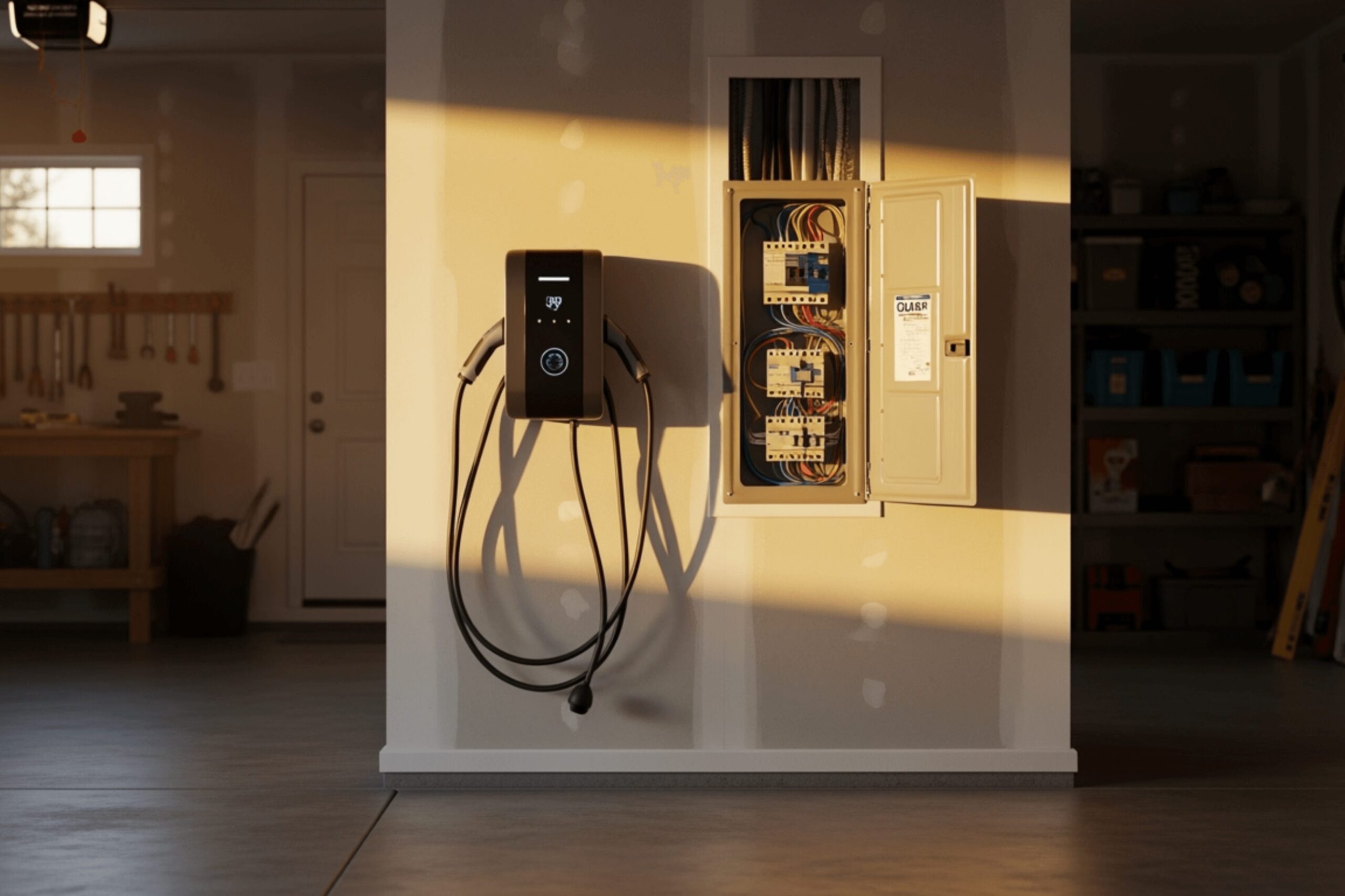
- EV charger installation
- Smart home devices running all the time
On their own, these may be manageable. Combined, they can push an older panel past what it comfortably handles.
A panel upgrade can give you:
- More capacity for new circuits
- Better reliability across the home
- Fewer overload issues
- A safer foundation for future electrical work
If you’re planning wiring upgrades in more than one area of the house, it often makes sense to evaluate the panel first.
Wiring issues are about more than convenience
Older wiring can be a safety problem, not just a productivity problem.
If a home still has aluminum wiring, knob-and-tube wiring, damaged insulation, or visibly worn cables, that deserves proper assessment. The same goes for outlets that spark, smell burnt, or stop working intermittently.
These are not “maybe later” issues.
A home office puts sustained demand on the system. That doesn’t automatically mean your wiring is dangerous, but it can expose weak points that weren’t obvious when a room was used only occasionally.
Full rewiring isn’t always necessary, but sometimes it is
People hear “wiring upgrade” and immediately picture walls opened everywhere and a project that takes forever. Sometimes the fix is much smaller. Sometimes it isn’t.
A licensed electrician can tell you whether the problem is localized, such as one outdated branch circuit, or whether the home needs a broader rework. In older homes, especially, partial fixes can only go so far if the underlying system is past its useful life.
It’s better to know than to keep adding power bars and hoping for the best.
How to decide which upgrade to do first
If your budget won’t cover everything at once, prioritize based on what’s causing the biggest day-to-day pain.
Start with a simple office power audit
Walk through your workspace and write down:
- Every device plugged in
- Which outlets and power bars they use
- What tends to be running at the same time
- When breaker trips or flickering usually happen
- Which other household appliances seem to trigger problems
This doesn’t need to be fancy. A basic list is enough to spot patterns.
For example, if your monitor and computer cut out whenever the dishwasher starts, that points pretty clearly toward a shared circuit issue. If the office works fine but the lights are dim and tiring, lighting may be the easiest win. If you want a dedicated circuit but the panel is already maxed out, the panel becomes the real first step.
A practical order for many homes
For most people, this sequence makes sense:
- Put mission-critical office equipment on dedicated circuits if needed.
- Improve lighting for comfort, focus, and reduced eye strain.
- Upgrade the panel or wiring if capacity or safety issues show up during assessment.
That order isn’t universal, but it’s common because it addresses reliability first, then comfort, then the bigger infrastructure questions.
When to call a licensed electrician
There are some home office improvements you can do yourself, like choosing a better desk lamp or replacing old bulbs with LEDs. Once you get into new circuits, panel work, or wiring changes, this is licensed electrician territory.
That’s partly about code compliance and permits. It’s also about safety. Electrical systems are not forgiving when they’re guessed at.
A qualified electrician can:
- Measure the load your office equipment places on the system
- Identify overloaded or shared circuits
- Check panel capacity
- Inspect for outdated or unsafe wiring
- Recommend the most sensible upgrade path
If you’re in Vancouver or the greater Vancouver area, this matters even more in older housing stock where previous renovations may have layered new electrical demand onto old systems. A lot of residential electrical work looks fine at a glance and still turns out to need attention once someone actually tests it.
The real payoff: fewer interruptions, less fatigue, more trust in your setup
People usually frame electrical work as maintenance. In a home office, it’s also performance support.
A dependable workspace does a few simple but valuable things. It lets you get through meetings without power drama. It keeps your devices running the way they should. It makes the room easier on your eyes and your energy. And it lowers the chance that a hidden electrical problem turns into equipment loss or a safety issue.
That’s a solid return from a few focused upgrades.
If your home office has been dealing with breaker trips, flickering lights, or that nagging feeling that too much is plugged into too little, start with an assessment. Figure out what your equipment draws, note when the problems happen, and have licensed electricians review the circuits, panel, and wiring. In many cases, the fix is more straightforward than people expect. And once it’s done, you feel it every workday.