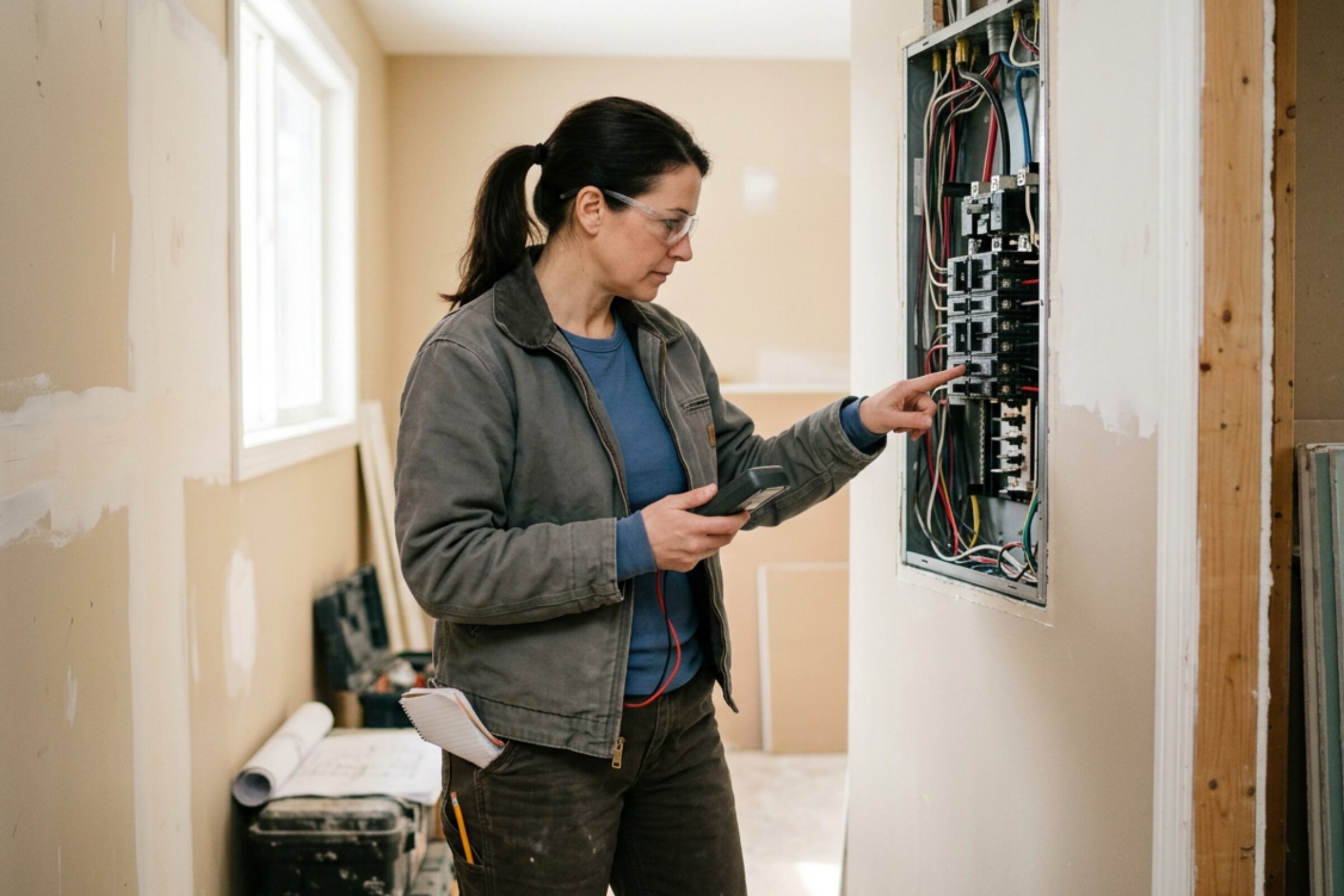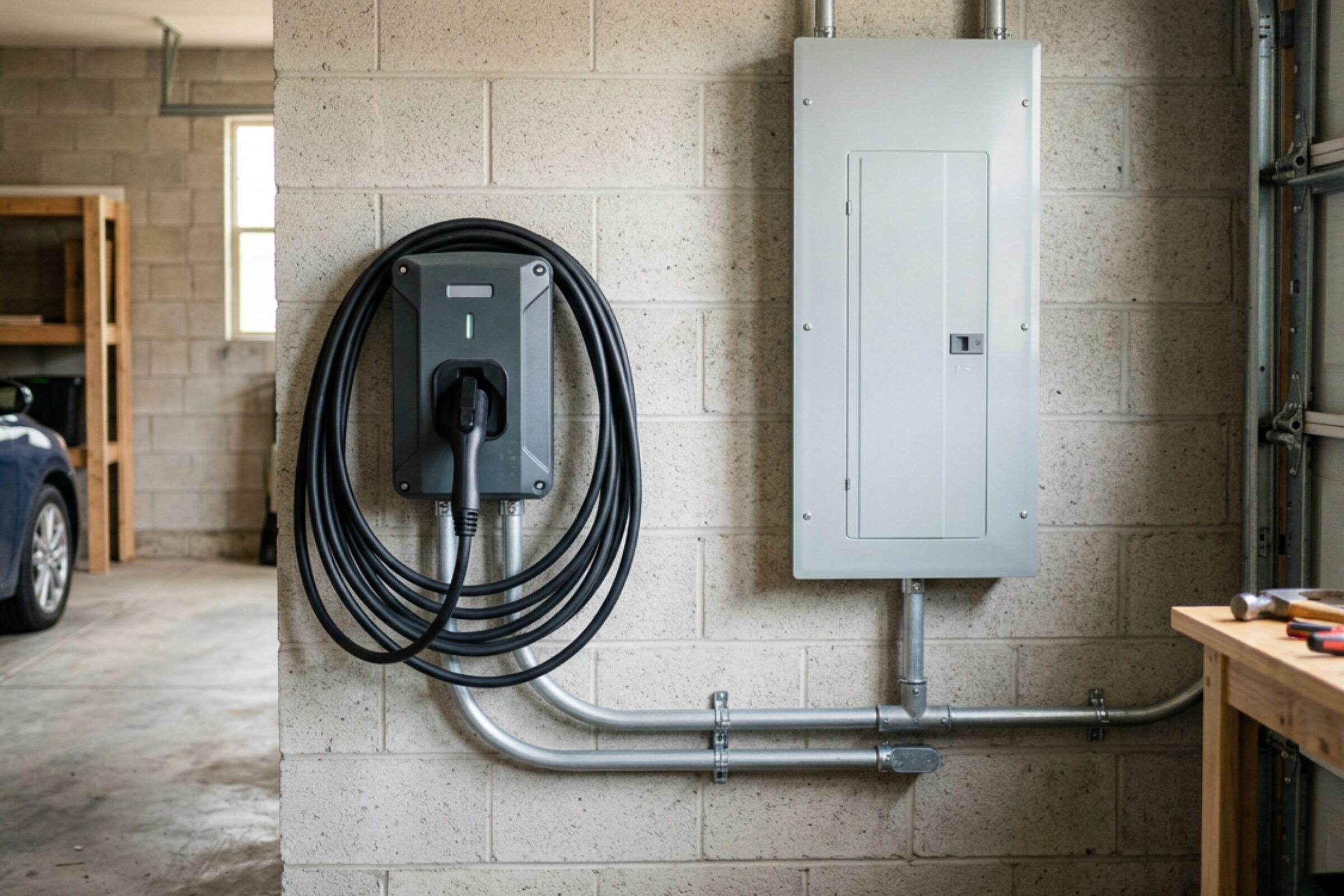



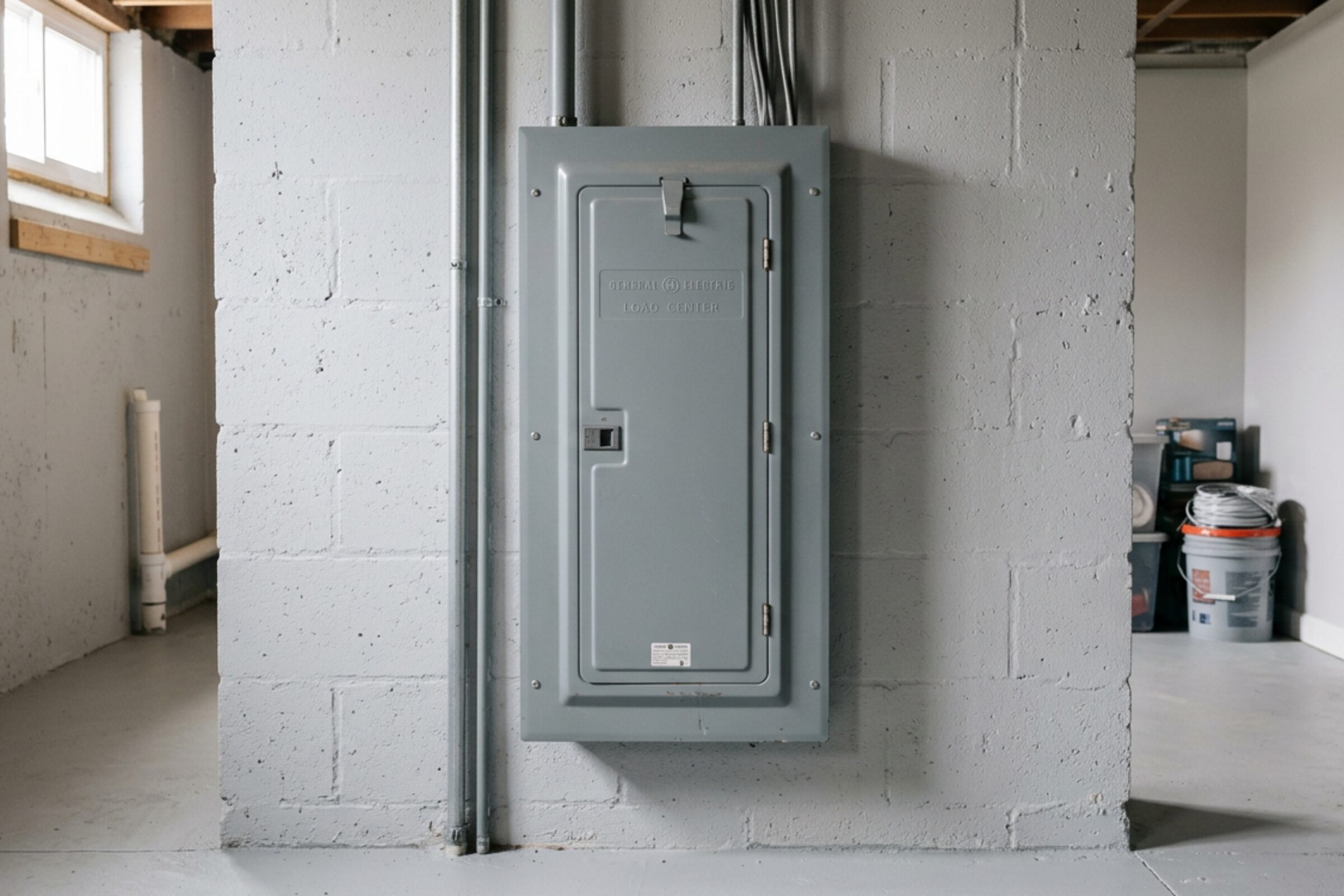

A panel upgrade affects more than the equipment on your wall. For part of the job, your home may be without electricity. That can interrupt heating, internet access, cooking, security systems, and a workday you thought would be routine.
The most useful preparation happens before the electrician arrives. You need a clear understanding of the planned work, an accessible work area, and a practical way to manage the outage. You do not need to remove covers, inspect wiring, or make electrical changes yourself.
For homeowners in Vancouver and the wider Lower Mainland, the details will depend on the property, the scope of the upgrade, and any utility or inspection requirements. This guide explains what to confirm and how to get your household ready without making assumptions about the schedule.
First, Understand What Your Panel Upgrade Includes
“Panel upgrade” can describe different projects. One home may need an aging panel replaced while keeping the existing electrical service capacity. Another may need a larger service to support new electrical loads.
That distinction matters. Replacing a panel does not automatically increase the amount of electricity available to your home. A service upgrade may also involve the meter equipment, service conductors, or utility connection, depending on the existing installation.
Ask your electrician to explain the scope in plain language. If the project is connected to EV charger installation, electric heating, or a renovation, confirm how those future loads have been assessed. Electrical capacity should be evaluated through an appropriate load calculation, rather than guessed from the number of empty breaker spaces.
Wiring upgrades may be part of the project, but they are not necessarily included in a panel replacement. Knowing what is included helps you understand the estimate and avoids surprises when work begins.
Confirm the Schedule Before Making Household Plans
There is no single outage duration that applies to every home. The condition of the existing equipment, access, project complexity, and required coordination can all affect the schedule.
Distinguish between the electrician’s arrival time, the expected power shutoff, and the anticipated restoration time. Those may be different. The electrician may complete some preparation before disconnecting power, and restoring service may depend on other parties.
Before installation day, ask:
-
When is the planned power shutoff, and what is the expected outage window?
-
Does restoration depend on a utility visit or inspection?
-
Which areas of the home will the crew need to access?
-
Should anyone remain home, and are there periods when occupants need to stay away from particular areas?
-
Who will provide updates if the schedule changes?
Treat the restoration time as an estimate unless your electrician confirms otherwise. Avoid scheduling an essential video meeting or another time-sensitive activity immediately afterward.
In Vancouver and neighboring municipalities, electrical permit and inspection arrangements depend on the jurisdiction and the work involved. Confirm who is responsible for permits, inspections, and utility coordination. Do not assume that these arrangements are included simply because an installation date has been booked.
Make the Panel Easy to Reach
An electrician needs more than a narrow path to the panel. They need enough clear space to work safely, handle equipment, and move between the panel and other parts of the installation.
Move stored boxes, furniture, laundry racks, and other belongings out of the area before the crew arrives. Ask how much space to clear rather than relying on a general rule that may not suit your layout.
Keep the route to the work area clear as well. Basement stairs, hallways, gates, and exterior access points may all matter. If the meter or other service equipment is outside, remove movable items that block access.
Leave electrical equipment alone. Do not remove the panel cover, loosen fittings, or attempt to create access by altering wiring. If the panel is behind built-in cabinetry or another fixed obstruction, tell the electrician ahead of time.
For a strata property, access may also involve a locked electrical room, shared areas, or building management. Arrange permission and keys before the workday. A crew arriving at a locked room is an avoidable delay.
Plan Around Your Household’s Power Needs
The easiest way to prepare is to think through an ordinary day and identify where electricity is doing work you rarely notice.
Work, Internet, and Communication
A charged laptop does not guarantee that you can work from home. Your modem, router, network equipment, and possibly the building’s telecommunications equipment also need power.
If internet access is essential, arrange another location or test a mobile hotspot beforehand. Check cellular reception where you plan to use it. An untested backup is a frustrating thing to discover during an outage.
Charge phones and power banks the night before. Save the electrician’s contact information somewhere you can access without your home internet connection.
A small uninterruptible power supply may keep some networking equipment running temporarily, but runtime depends on its capacity and the connected load. Confirm what it can support rather than assuming it will last through the work.
Medical and Accessibility Equipment
If anyone relies on electrically powered medical equipment, discuss the outage with their healthcare provider and equipment supplier well in advance. Ask about suitable backup power, battery runtime, and whether spending the work period elsewhere is necessary.
Do not assume a consumer power bank or general-purpose backup supply is suitable for medical equipment.
Consider accessibility equipment too. Stair lifts, powered beds, automatic doors, and other devices may become unavailable. Plan where the person will be before power is disconnected, particularly if an outage could leave them unable to move safely between floors.
Tell the electrician about these needs during scheduling. Installation day is too late to begin making an essential backup plan.
Heating, Water, and Everyday Tasks
A gas furnace usually still needs electricity for its controls and blower. Some gas fireplaces and water-heating systems also depend on electrical components. Check your equipment instead of assuming that gas appliances will remain usable.
Homes with electrically powered pumps may lose water supply or drainage functions during an outage. If you have a sump pump, sewage ejector pump, or well pump, discuss it with the electrician, especially when weather or household use could create a problem.
Finish laundry and other power-dependent chores beforehand. Arrange meals that do not require electrical cooking appliances, and avoid leaving a dishwasher or washing machine scheduled to start during the work window.
Protect Food and Temperature-Sensitive Items
Keep refrigerator and freezer doors closed as much as possible while the power is off.
US food safety guidance generally states that an unopened refrigerator keeps food cold for about four hours. A full freezer can hold its temperature for about 48 hours, or approximately 24 hours if it is half full, provided the door stays closed. These are planning guidelines, not guarantees for every appliance or room temperature.
If the anticipated outage could exceed safe storage limits, arrange coolers with ice or another refrigerated location. An appliance thermometer helps you assess temperature instead of guessing.
Afterward, follow food safety guidance for perishable foods that have become too warm. Smell and appearance cannot reliably tell you whether food is safe.
Temperature-sensitive medication needs a separate plan. Ask a pharmacist about the storage requirements for the specific medication; food-storage guidance is not a substitute.
Check Security Systems and Powered Access
Home security systems may include battery backup, but the battery’s condition and runtime matter. Cameras, video doorbells, smart locks, and monitoring connections can respond differently to an outage.
If your alarm is monitored, contact the monitoring provider before the work. Ask whether the system needs to be placed in a maintenance mode and what notifications to expect. Follow the provider’s procedure rather than disconnecting components yourself.
Make sure you have a working physical key if an entry system depends on power. Garage door openers may also stop working. If you need your vehicle during the outage, parking it outside beforehand is often simpler than dealing with access after disconnection.
Where a garage door has a manual release, consult the manufacturer’s instructions before the workday. Do not release a door that appears damaged or has a suspected spring problem.
Let other household members know which entrances will remain usable. This is especially helpful when someone will return home while the work is underway.
Expect Some Disruption, but Ask About the Actual Work
A panel upgrade may involve drilling, fastening equipment, removing old components, and moving tools or materials through the home. The amount of noise and dust depends on the installation.
Work on a basement panel can feel quite different from work beside a home office. Changes to mounting surfaces or cable routes may create more disruption than a straightforward replacement.
Ask whether walls or ceilings will need to be opened and whether patching or painting is included. Electrical work and cosmetic repairs may be handled separately.
You do not necessarily need to leave the home. That decision depends on the work area, household needs, and the electrician’s safety requirements. If you stay, keep children and pets away from the work zone. A separate room with a closed door may work; for some households, spending the day elsewhere will be easier.
Tell the crew about indoor pets and any doors or gates that must remain secured. Clear communication prevents a routine trip outside from becoming a missing-pet emergency.
Review the Estimate and Avoid Last-Minute Scope Changes
Panel upgrade costs vary with the equipment, service capacity, site conditions, and associated work. A useful estimate explains the scope rather than presenting only a total.
Check whether it accounts for permits, utility-related work, inspection coordination, and any agreed wiring changes. Ask how unexpected issues will be documented and approved if they are discovered once the old equipment is opened.
This is also the time to discuss future plans. If you expect to add an EV charger or other substantial electrical loads, tell the electrician before equipment is selected.
Leave room for a professional assessment. A larger panel is not automatically necessary, and unused breaker spaces do not prove that the service can support another major load.
Use licensed electricians working through an appropriately licensed contractor, and verify the credentials relevant to your jurisdiction. Residential electrical work requires suitable authorization even when the job seems familiar or straightforward.
Know What to Check After Power Returns
Power restoration is a good time for a short walkthrough with the electrician. Ask what was replaced, whether any follow-up work remains, and how the new circuit directory is organized.
Have unclear labels explained. “Plugs” is not much help when you need to identify a particular room later.
Check that essential household systems have resumed normal operation. Internet equipment, thermostats, alarms, and appliance clocks may need attention after a power interruption. Follow manufacturer instructions for restarting devices.
If something is not working, tell the electrician rather than repeatedly resetting a breaker. A breaker that trips again may indicate a fault that needs assessment.
Ask when you will receive any applicable inspection documentation and keep it with your home records. Before the crew leaves, also confirm whom to contact about questions or problems related to the work.
A Prepared Home Makes the Day More Manageable
You cannot control every scheduling variable in a panel upgrade. You can clear access, explain your household’s power needs, and make sensible arrangements for the outage.
The goal is straightforward: the electrician should be able to work safely, and your household should know what to expect. A few specific conversations before installation day are far more useful than a generic promise that everything will be finished quickly.